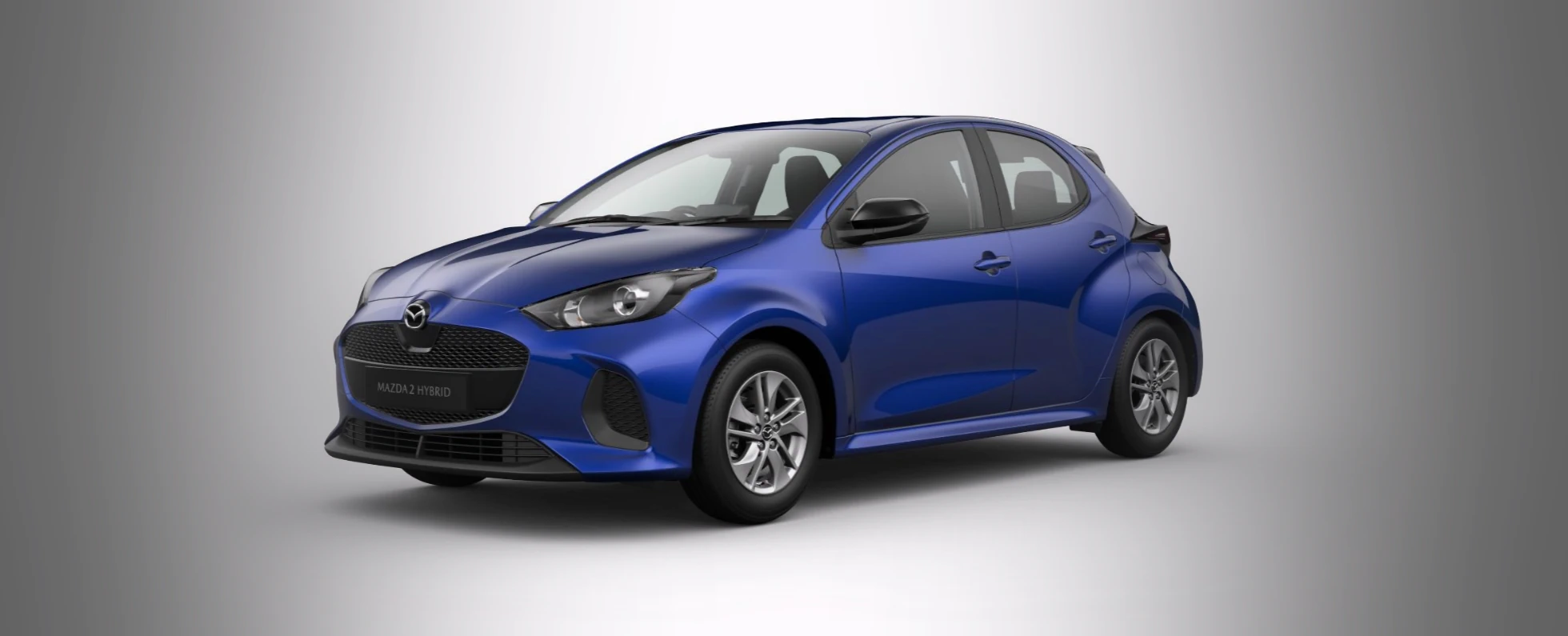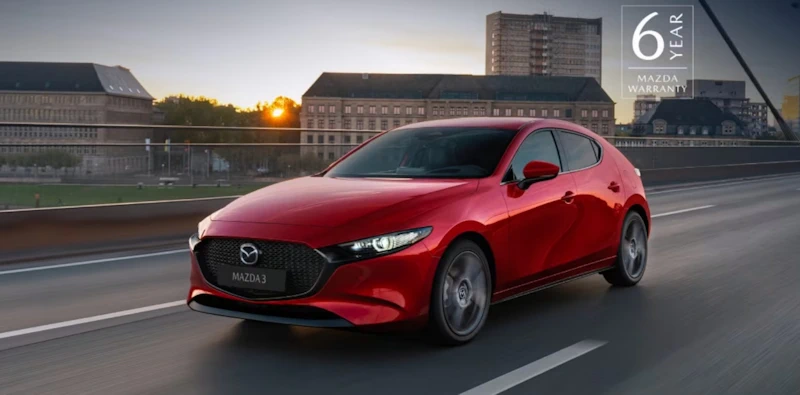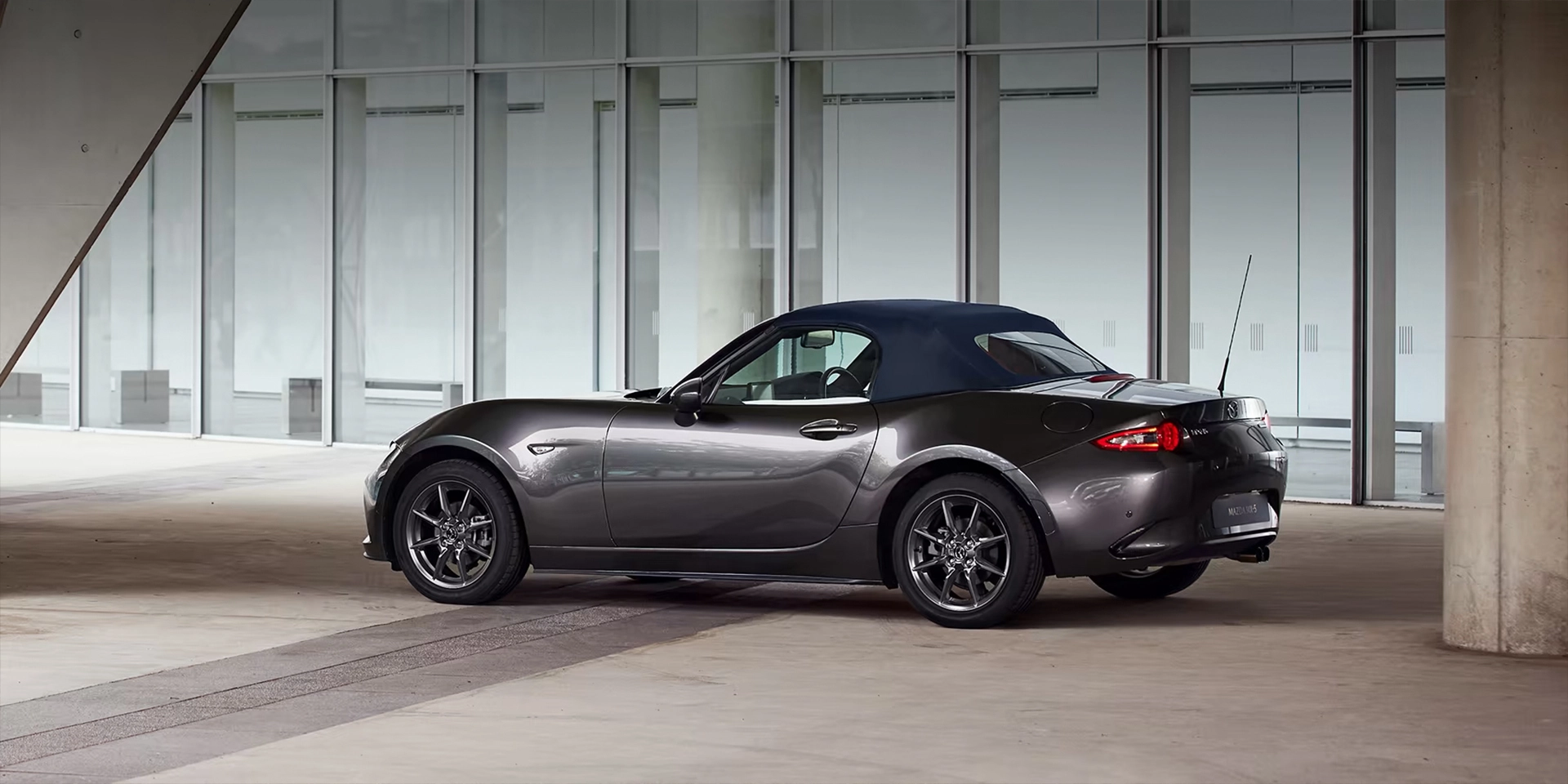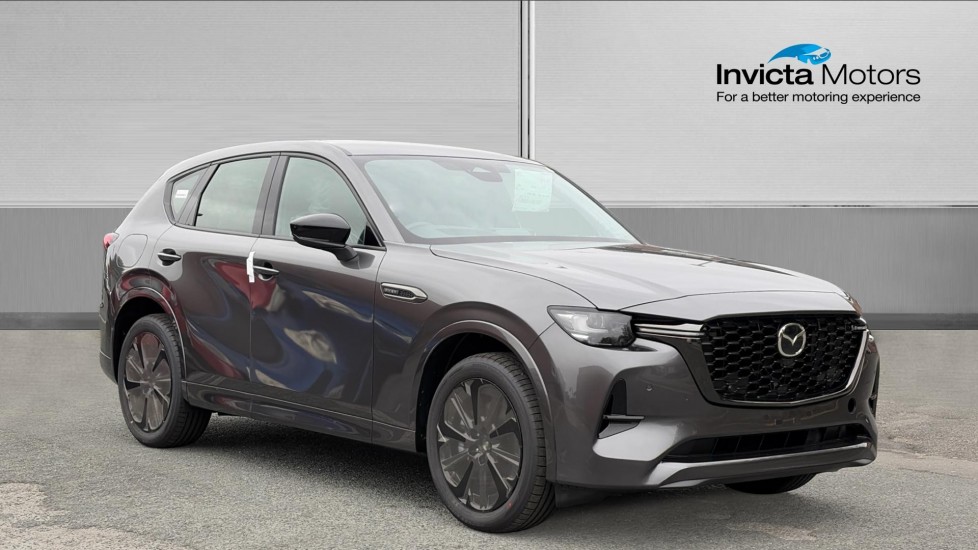
Invicta Motors · Mazda
Getting started with MyMazda
Set up the app, check your vehicle’s features and keep useful ownership information close.

At a glance
- Start with the VIN: create your account, add the car and verify the details.
- Features depend on the vehicle: Connected Services require a compatible Mazda and enrolment.
- Ownership matters: check subscription entitlement and remove the car from your account when you sell it.
One place for useful ownership information
MyMazda puts useful vehicle information on your phone: manuals, service information and a way to find a Mazda retailer. On compatible cars, enrolled Connected Services add selected remote functions.
Those are two different things. Creating an app account does not mean every Mazda gains every connected feature. Model, equipment, registration date and service entitlement affect what is available for your vehicle.
Set up MyMazda in four steps
- Download the official MyMazda app using the links on Mazda UK’s MyMazda page. Create your account and complete the email and phone verification.
- Choose Add vehicle, scan or enter the vehicle identification number (VIN), and validate the details. Use the VIN from your vehicle documents.
- If your car is eligible, choose the Connected Services enrolment option. Follow the prompts with your phone and vehicle in an area with a reliable mobile connection.
- Enter the authorisation code displayed in the car. Mazda says this pairing code expires after five minutes; request another through the app if needed.
Use the app’s on-screen instructions for your vehicle. Carry out setup while safely parked; our Mazda team can help you identify the right process.
What can you do from the app?
General ownership functions include vehicle manuals, service information and retailer details. Mazda also describes recall updates and a way to contact roadside assistance; the app link does not create cover beyond your actual assistance entitlement.
On eligible connected vehicles, functions can include vehicle status, remote door locking, a vehicle finder and sending a destination to an equipped navigation system. Supported electric vehicles can offer charging and climate functions.
Check what appears for your exact car after enrolment. Do not assume a function described for one Mazda, another country or a different model year will be available on yours.


Vehicle status is not a live feed
Mazda’s UK FAQ explains that vehicle-status and health-report information updates after the ignition is switched off. The refresh can take several minutes, so an old-looking reading does not necessarily mean the app has lost its connection.
Both your phone and the car need a suitable connection for remote services. A garage or area with poor mobile reception can interrupt communication. Try a place with better reception before assuming a fault.
If service history does not appear, check that you are the verified owner or enrolled primary user. Mazda restricts access to this information; knowing the VIN alone is not enough to give someone access to your records.
Subscriptions and changing cars
Connected Services are a subscription-based service. Check the complimentary period and any ongoing terms for your exact vehicle, using the app and Mazda’s current agreement. Do not assume buying a used car starts a new complimentary period.
When selling or returning a connected Mazda, remove the vehicle from your account and follow Mazda’s ownership-transfer guidance. That helps prevent an old owner retaining access to connected functions.
If setup or entitlement is unclear, Invicta Mazda can help you check the vehicle details. Our Mazda teams in Bolton and Northampton can also support your wider ownership questions.

Your questions answered
Does every Mazda have Connected Services?
Where should I download the app?
Why has the pairing code expired?
Why is the app showing an older vehicle status?
Is Connected Services permanently free?
What should I do before selling my Mazda?
Get help from Invicta Mazda
Contact our Bolton or Northampton Mazda team for help identifying your car’s supported features or planning its next service.
Sources: Mazda UK MyMazda; Mazda UK app FAQ; Mazda connectivity guidance; Invicta Mazda locations.
UK information checked 14 October 2026. Prices, offers and specifications may change.